It won't file anything.
Nothing reaches your EHR until you paste it there and sign it.
9:12 PM
SnapNotes was made in a private practice, for private practice. Snap it, type it or record it, and get a note you'd actually sign.
No card needed · BAA with every account · Cancel anytime
Ways in
Take a photo of your handwritten notes, type or dictate what you remember, or record the session. Any of them becomes a draft note in your format, ready for you to review and sign.
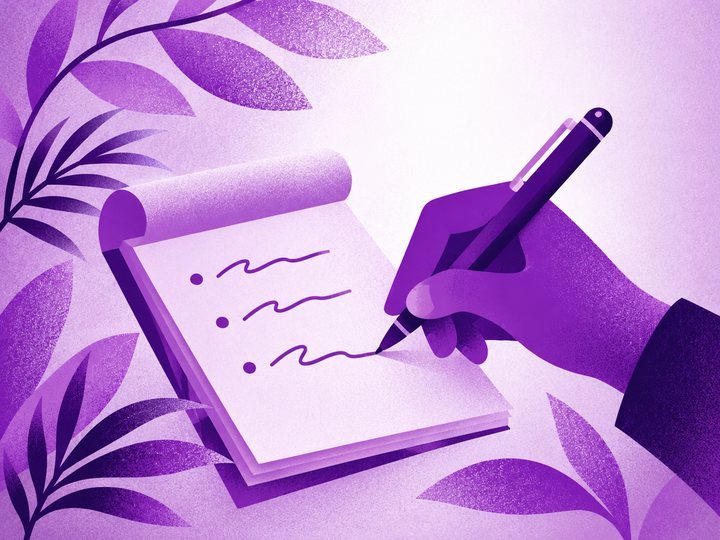
1PHOTO OF YOUR NOTES
Keep your pen and your notebook. After the session, snap a photo of the page with your phone. SnapNotes reads it and writes the note. Your handwriting is fine. Really.
WHAT IT LOOKS LIKE
YOUR PHOTO
11/24 · 50 min
mood ↑ "better wk"
fight w/ ex re: holidays
used pause + breathe ✓
no SI/HI
f/u 1 wk
SNAPNOTES DRAFT
S
Client reports improved mood and a "better week." Conflict with ex-partner about the holiday schedule.
A
Using pause-and-breathe skill effectively during conflict.
P
Follow up in 1 week.

2TYPED OR DICTATED
Type or say the session the way it comes back to you: out of order, half sentences, the thing you remembered at the end. SnapNotes sorts it into your note format.
WHAT IT LOOKS LIKE
WHAT YOU TYPED OR SAID
ok so client came in late, traffic, said the thing with her mom is better?? then the sister thing came up and went sideways, we did grounding, she liked the 5-4-3-2-1, homework is the journal again, asked about biweeklySNAPNOTES DRAFT
DATA
Client reported improvement in her relationship with her mother. Discussion of conflict with her sister increased distress.
PLAN
Continue journaling. Discuss biweekly sessions next visit.
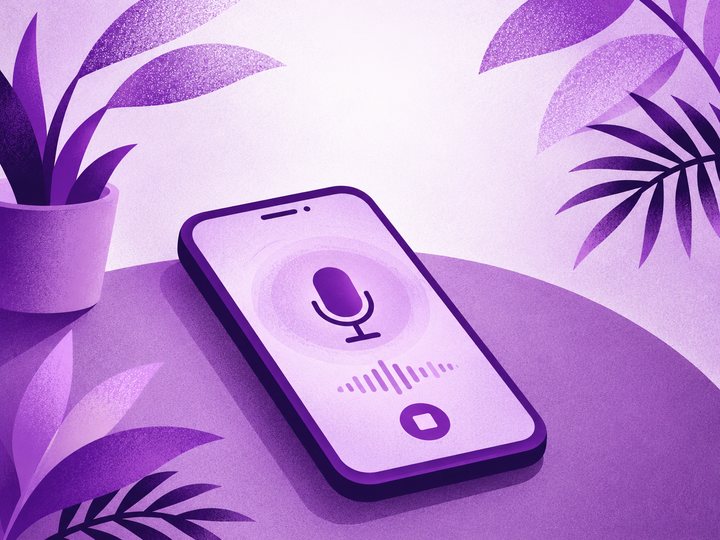
3RECORDED SESSIONS
Record in the browser with optional speaker labels. Read the transcript, then the draft. Recording is optional on every plan, never required.
WHAT IT LOOKS LIKE
Therapist: What felt different about this weekend?
Client: I waited before I answered his text. That's new for me.
Speaker labels optional · names and identifiers masked before drafting
Continued Progress
Your EHR may call it copy forward. Either way you get the previous session's note, and everything that happened differently this session is yours to find and edit by hand. Continued Progress eliminates that.
Ten minutes of editing, every session.
A few clicks. A note that matches this session.
Paste the previous session's note from your EHR, fill in the clinical snapshot, review. Pasted notes aren't scrubbed, so take out names and identifying details first.
Bridge
Pick the sessions with no notes on a calendar. Bridge drafts a late-entry note for each one.
No more rebuilding sessions from memory, or hoping the gap never turns into a clawback.
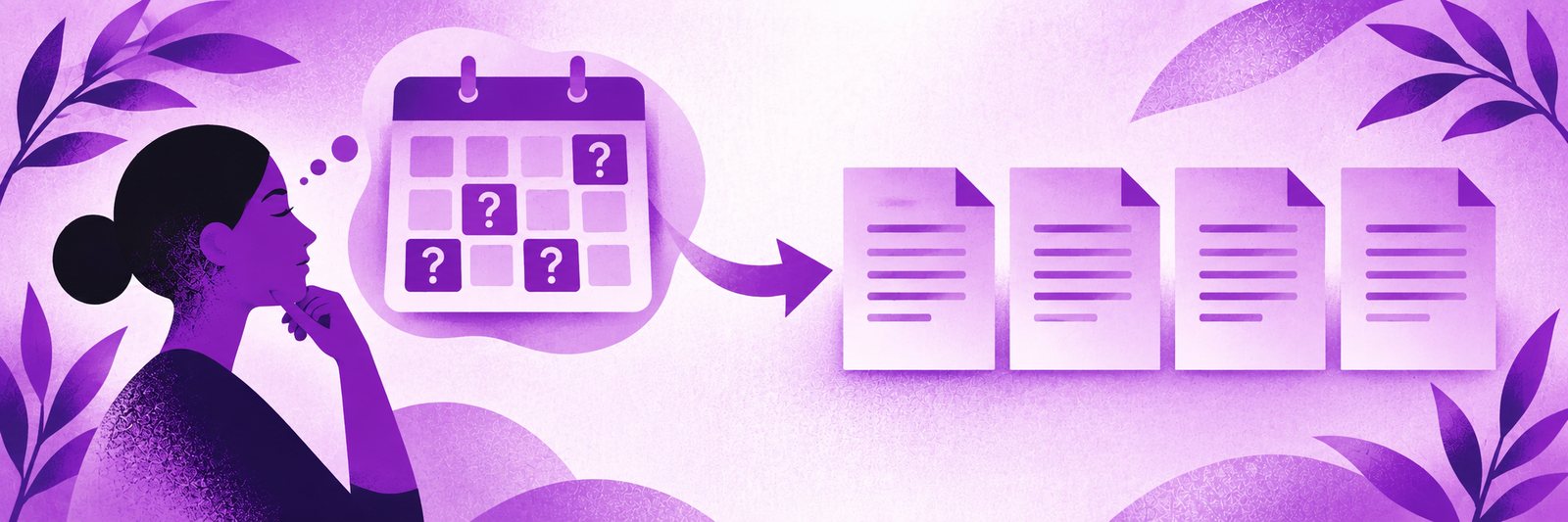
1Where you are
Sessions with no notes.
The longer it sits, the less you remember.
2Pick the dates
Click the sessions. Add what you remember.
The course of treatment and whatever details you still have.
3Caught up
Unknown stays unknown. Nothing is made up.
A late-entry draft for every date.
You review, edit and sign each one. One toggle adds a late-entry stamp.
Up to 15 session dates per catch-up. Regenerating that set is free for 7 days. You'll make a free account first, then go straight to Bridge.
What it won't do
The parts of a note that need a clinician still get one. That's the whole design.
Nothing reaches your EHR until you paste it there and sign it.
If it wasn't said or written down, it isn't in the note. Bridge marks the gaps as unknown.
It writes in your format from your material. Anything that doesn't sound like you, you change.
The fine print, in plain print
Answers you could read to a client without wincing.
Pricing
No card to start. 14 days of Standard, then pick the plan that fits your week. Switch whenever your week changes.
Notes
"I don't record."
$9.99/month
Part-time
"A few sessions a week."
$29/month
Standard
"A full caseload."
$49.99/month
Premium
"I'm behind. Help."
$69/month
From people who used to do notes at 9:12 PM
"I feel like I got my evenings back. My stress around notes has dropped by at least 80%."
"SnapNotes has completely changed my work/life balance. I'm more present with clients, and at home."
"I love SnapNotes! Has changed my life for the better!"
Questions
No. The Notes plan never records. Snap your handwritten notes or type a few lines and SnapNotes drafts from that.
A BAA, recordings scrubbed before any model sees them, nothing kept by the AI, and drafts built for clinical note formats instead of a chat window.
No. You copy the reviewed draft into your EHR and sign it there. Nothing is filed without you.
Email allyn@snapnotes.ai. Formats other clinicians would use too get added for everyone at no cost. Private custom work for a group or agency is quoted per project.
Me. Email allyn@snapnotes.ai and you'll hear back from the person who built it.
Who builds it
Small on purpose, and answerable to the people who use it.

Design Engineer
Shirley is a designer-engineer with a background in art, engineering, and bioinformatics. She holds a BS in Computer Science from University of Massachusetts Amherst and an MS in Bioinformatics from Brandeis University.
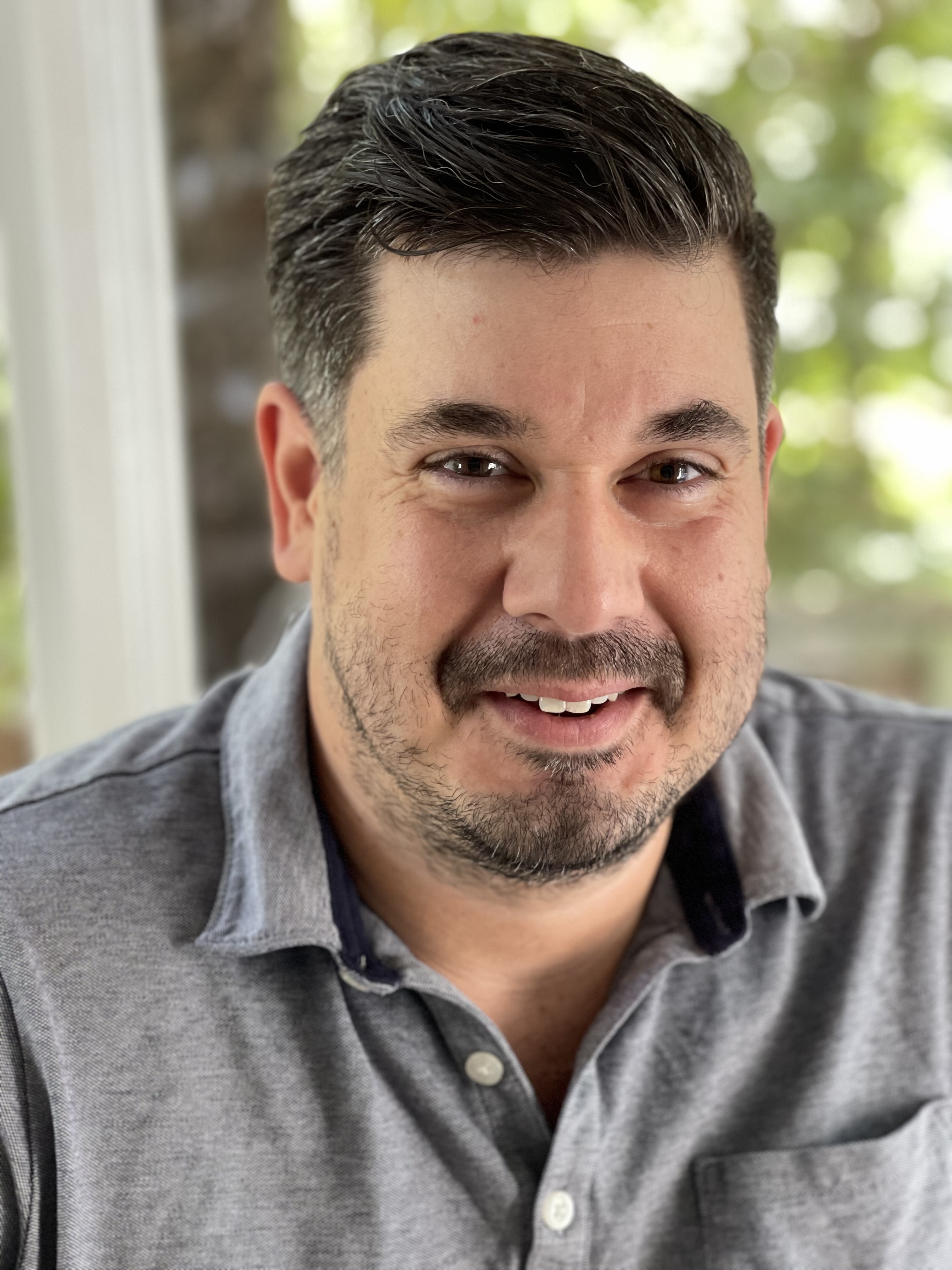
Founder and CEO
Allyn is the founder and CEO of SnapNotes. He is a practicing licensed clinical social worker with nearly two decades of experience. He learned to code to support sustainability in the mental health field.

Lead Full-Stack Developer
Aseda is our lead full-stack software developer with a background in art, natural sciences, and computer science. He recently graduated with a BS in Computer Science from Duke University.

Clinical Advisor
AJ is a clinical social worker who spent nearly ten years in high-level administration before switching to mental health. As a disabled therapist with a robust private practice, she joined SnapNotes to support providing secure, accessible tools to clinicians.
From one clinician to another
I'm Allyn Latorre, LCSW. I still see clients, and I built SnapNotes for the notes I was writing at night. Try it for 14 days. If it doesn't give you your evenings back, cancel.